02/02/26 - 04/09/26 (unfinished)
I've recently been learning about 3D video for VR. For example, Hugh Hou has many great videos, both creative and technical. I can watch the 3D ones on my Valve Index by downloading them from YouTube with yt-dlp (Also needs yt-dlp-ejs and Deno to use the android VR player to download in the highest quality: yt-dlp "YT URL here" --extractor-args "youtube:player_client=android_vr"), and either converting them to H.264 MP4 files that steamVR's built-in media player can handle, or using a site like vrplayer.io which supports more file types.
If you want to watch them yourself, the cheapest way is with a phone and something like Google Cardboard.
This made me curious to try making my own 3D video. The professional 3D workflow gets very expensive (Canon's EOS VR lens is £2200, and compatible cameras start at £3500!), but to DIY it, all that's needed is two cameras, positioned correctly. For 3D photography you can even shoot static scenes on a single camera, just moving it sideways a little between shots, but that's quite fiddly without some sort of sliding mount. Not any two cameras are suitable, as if they're too large, you can't position them close enough together for a natural viewing experience, so then you need mirrors.
I happen to have two identical webcams, and ever since I got them, I've been thinking about shooting in 3D. Well, I finally got around to it, and got surprisingly decent results.
The two cameras need to be aligned, and spaced to match the inter-pupillary distance, or IPD, of human eyes. 3D cameras tend to use the average IPD of around 60-65mm, but since this is a totally custom setup for myself, I measured my IPD with a ruler and mirror (67mm, just as I suspected from setting the IPD on the Index), and spaced the cameras to match. I added the cameras side-by-side in OBS on a 2560*720 canvas (they shoot 1280*720), and aligned (the webcams) them by hand with the help of the ruler
Somehow, this worked perfectly first try. I watched the video back in my VR headset, and viola, 3D. It was blurry, low-res, and movement was out of sync between the two shots, but the actual 3D effect worked well. I thought I'd run into issues from not having pixel-perfect alignment, but it seems to not need to be that precise, at least at this low resolution. The only issue was that the depth seemed compressed, everything looked like it was squashed in the Z-plane, but I chalked that up to imperfectly spacing the cameras.
Inspired by this success, I then designed some 3D-printed clips to hold the cameras in an aligned position. They're basically just open loops connected together, but it ensures the cameras are pointing straight forward at the correct distance. Unfortunately I made them a bit flimsy, so the webcams can still twist up and down slightly, but that's easy enough to tweak by just gently nudging them.
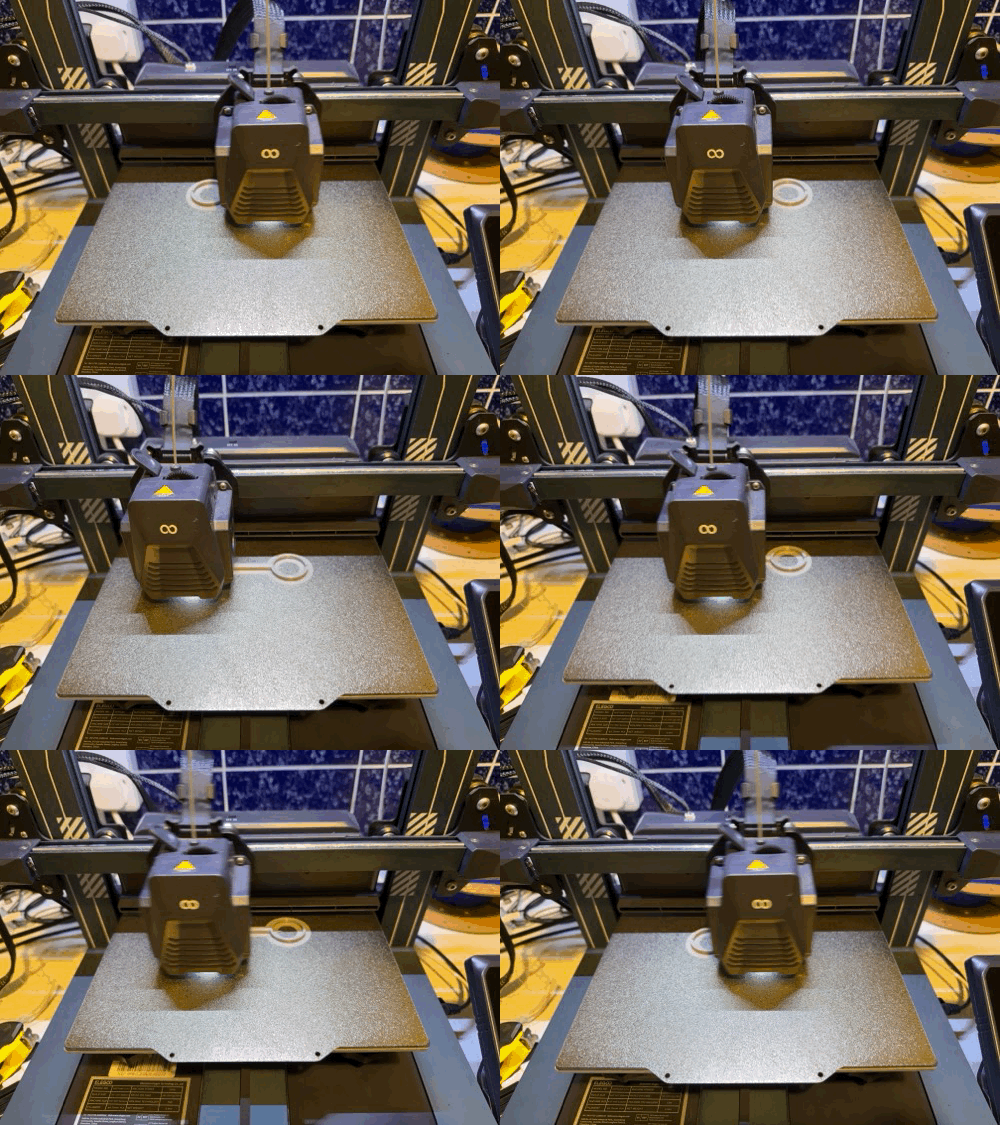
Printing the clips.
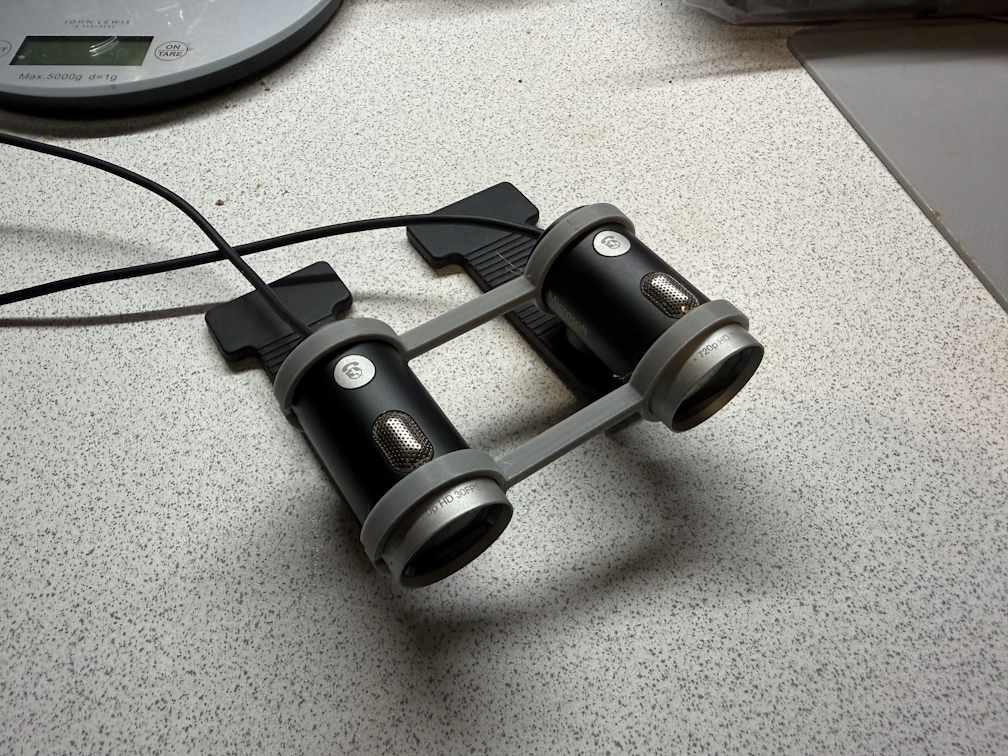
The finished '3D camera'.
I then recorded a few more test shots. The results were very similar, but the image seemed very slightly clearer, perhaps due to the improved alignment. Unfortunately, the shallow depth remained - I suspect this is something to do with the narrow FOV of the cameras, and them being parralel rather than angled towards a point, like real eyes do.
The other issue was syncing the camera settings. OBS exposes lots of manual controls, but these cheap cameras don't like to respect the settings. They try to automatically adjust everything whenever light conditions change. I was able to get them mostly stable by setting every value twice in a row, and then being careful not to let the light change - if I moved them or turned on a light, they'd override the settings again.
Next is to experiment with extreme IPDs, inspired by this XKCD comic about making a large landscape look small in 3D. Mounting the cameras hundreds of metres apart would prove tricky, but a metre or two should give some interesting results at medium ranges.
Actually, what I should really do next is to shoot something other than test videos, so I can actually share it here...
Here's the model on thingiverse in case you want to use/modify it to try this yourself.